
To delete your account from our website, please follow these steps:
- Log in to Your Account
First, log in to your account using your username and password. - Go to Your Profile
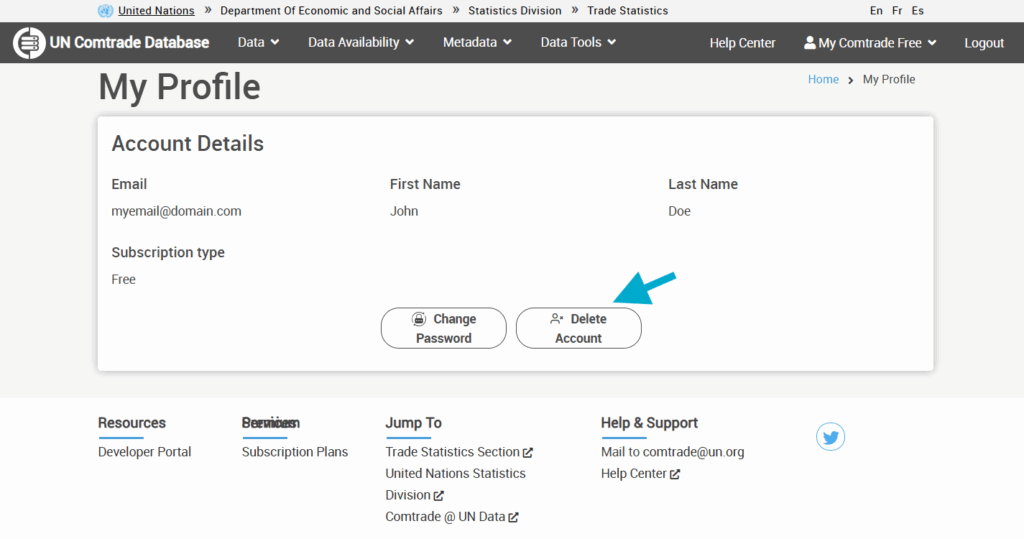
Once logged in, navigate to the Profile page by clicking on “My Comtrade” menu in the top right corner. - Delete Account
On your Profile page, you will find a button labeled “Delete Account.” Click on this button. - Follow the Instructions
After clicking the Delete Account button, follow the on-screen instructions to confirm your decision and complete the deletion process.
Please take into account that your request could take up to 7 days to be completed.
If you encounter any issues, feel free to reach out to comtrade@un.org


